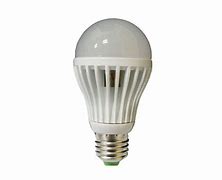
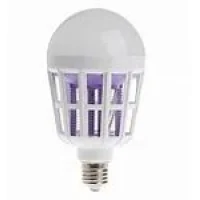
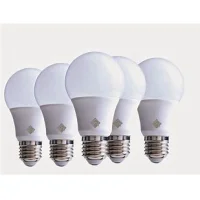
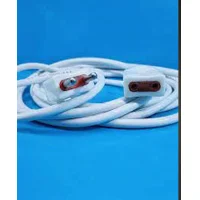
led bulb charge able
Rs. 1700
Rs. 1850
-8%
Quantity
Product Details
- Find the charging port on the LED bulb. This is usually located on the base of the bulb.
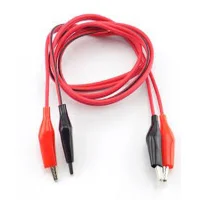
- Plug the charging cable into the charging port on the LED bulb.
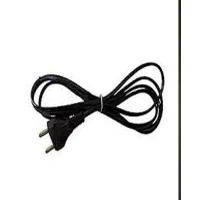
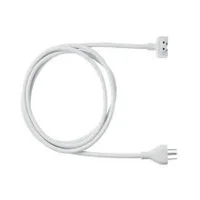
- Plug the other end of the charging cable into an outlet.
- The LED bulb will start to charge. This will usually take a few hours.
- Once the LED bulb is fully charged, you can unplug it from the outlet.
Here are some additional tips for charging LED bulbs:
- Do not use a charger that is not designed for LED bulbs. This could damage the bulb.
- Do not leave the LED bulb plugged in for an extended period of time. This could also damage the bulb.
- If you are not going to use the LED bulb for an extended period of time, you can store it in a cool, dry place. This will help to prolong the life of the bulb.
Here are some common problems that you may encounter when charging LED bulbs:
- The LED bulb will not turn on. This could be due to a number of factors, such as a dead battery, a faulty charger, or a problem with the LED bulb itself.
- The LED bulb is not charging. This could be due to a number of factors, such as a faulty charger, a problem with the LED bulb itself, or a loose connection between the charger and the LED bulb.




 Google
 Facebook